
Your laboratory.Your infrastructure.
The LIMS workspace of the SIMS platform.
Bring projects, specifications, test results, and stability programs into one working environment. SIMS Quality Control is configured around your laboratory, on infrastructure you control.

SIMS Quality Control
A shared view of the work, from laboratory to client.
- Your infrastructure
- Laboratory workflows
- Validation planning
Keep the work connected.
Less time piecing together the status of a project. More time moving it forward, with the specifications, results, and records close at hand.
Define the work
Keep projects, products, specifications, and test requirements together so the team can find what the work calls for.
Projects · Products · Specifications
Follow the testing
Find test results, track work orders, and follow stability programs through their scheduled time points.
Results · Work orders · Stability
Find the evidence
Bring laboratory records and certificates of analysis into view, with access set by role and organization.
Records · COAs · Access controls
Keep clients informed
Give clients access to the projects and outputs they are permitted to see, in the same system your team uses.
Client access · Project visibility
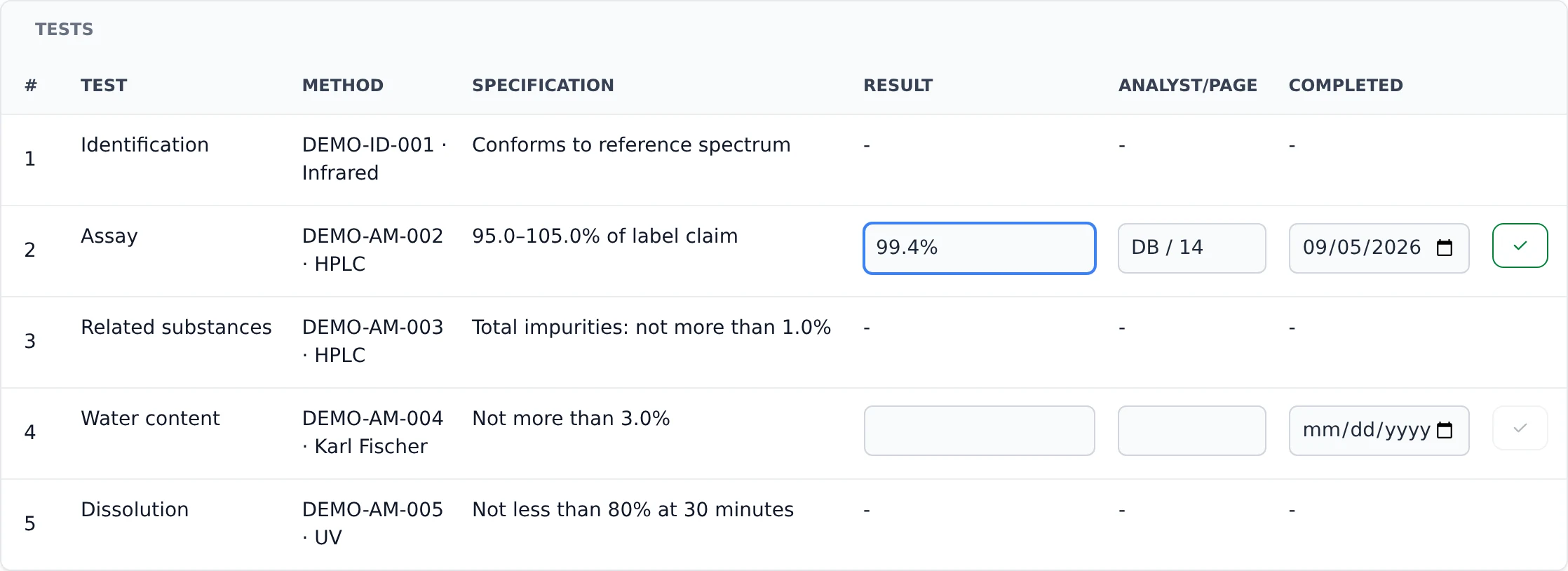
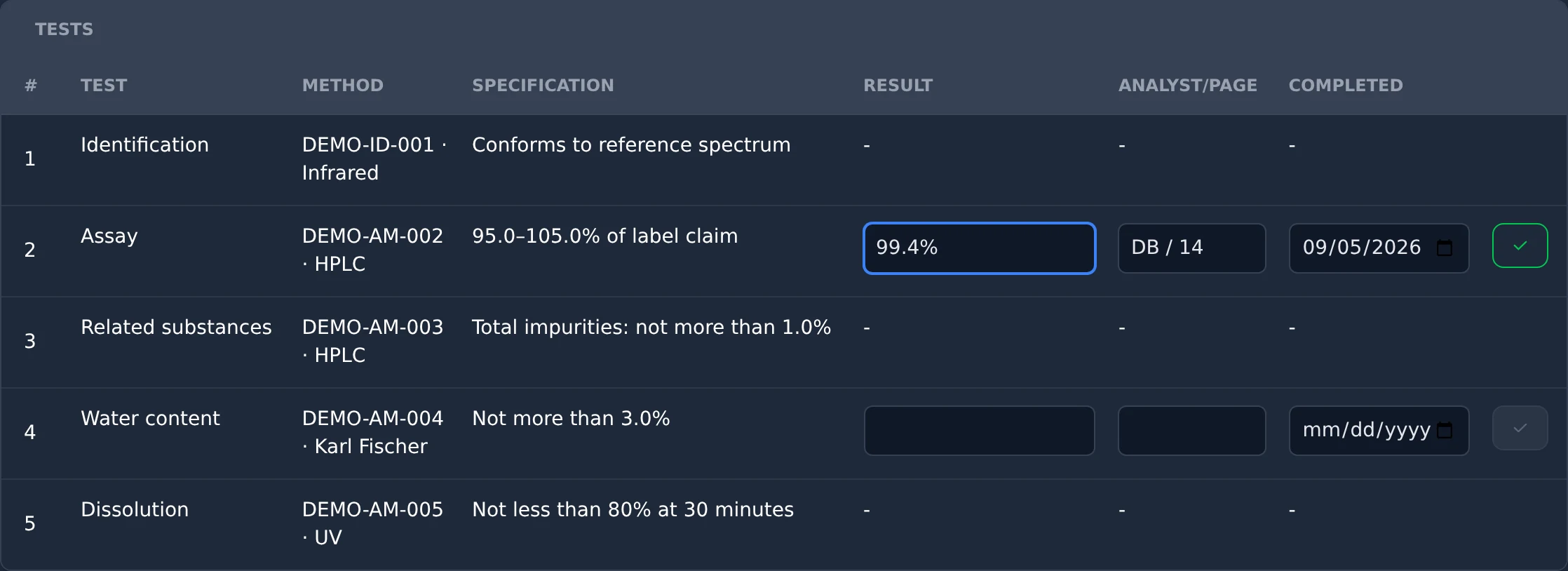
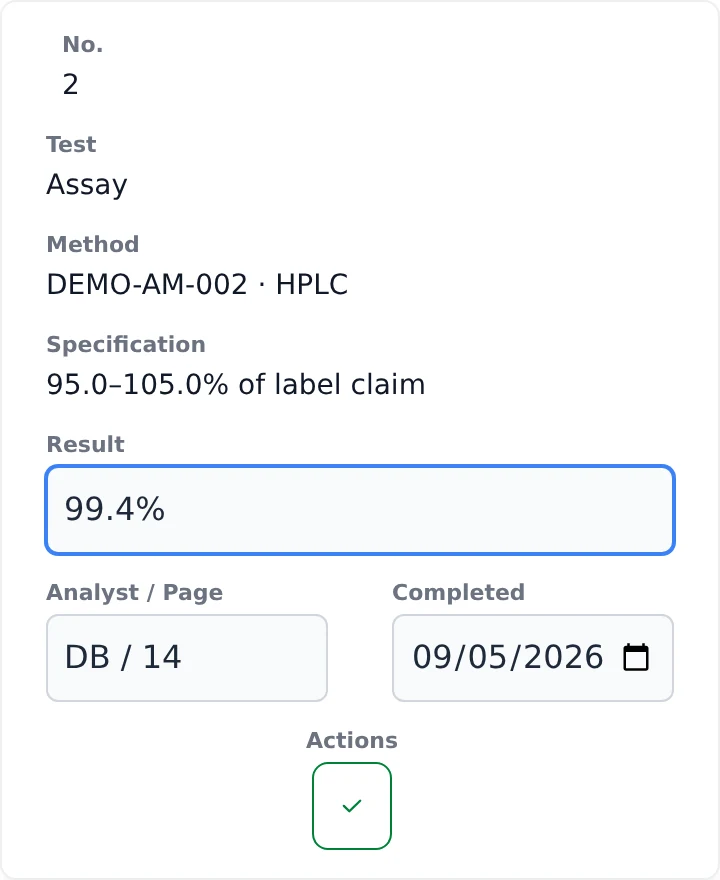
Enter and review results alongside the methods and specifications. All laboratory data shown is fictional.
From quotation to invoice.
Quotations, project progress, and invoicing share the same working environment, so the office can follow the work as it moves through the lab.
Quote the work
Build quotations from product specifications, with the tests, methods, quantities and prices in view.
Follow the project
Create a project from its quotation and follow the requisition, work order, certificate of analysis, and invoice from one view.
Prepare the invoice
Prepare an invoice or cost report from the project’s tests and charges. Review the totals, export a PDF, or email the invoice.
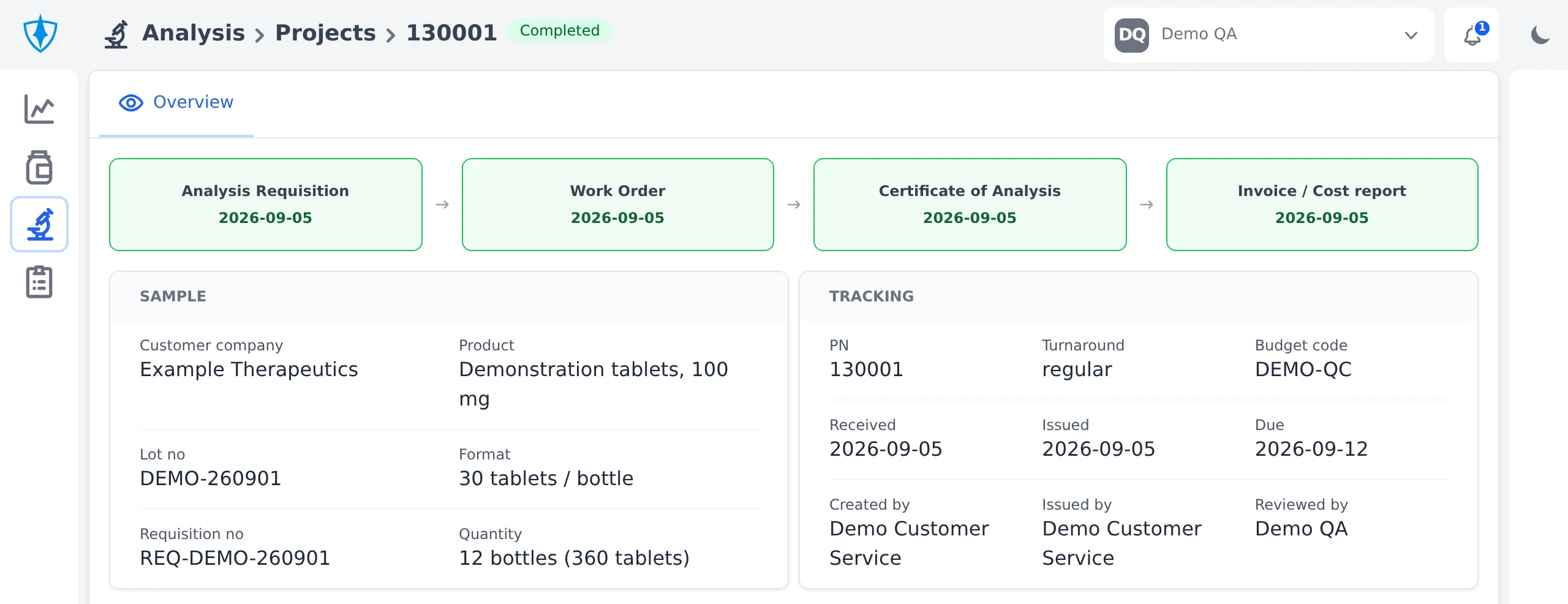
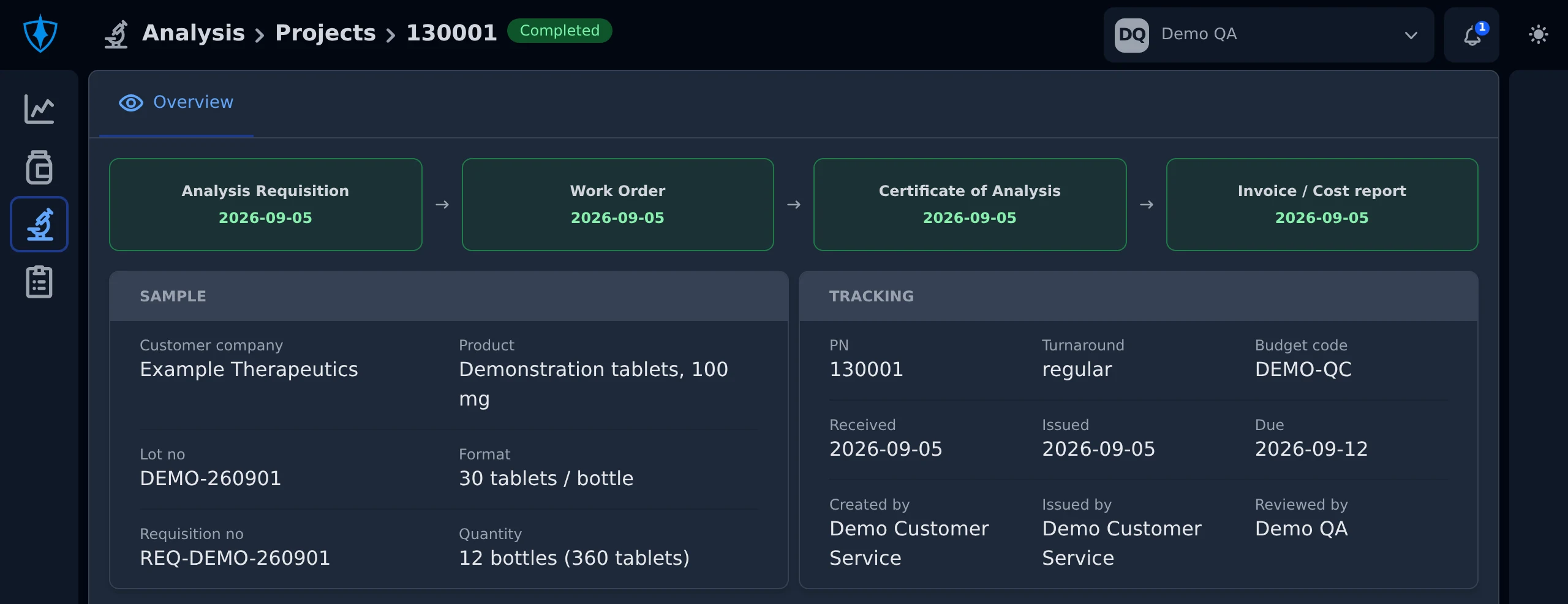
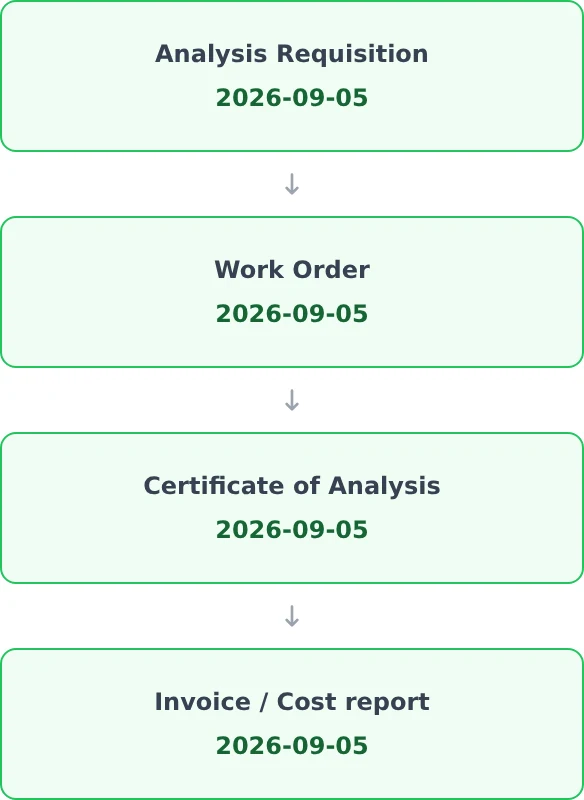
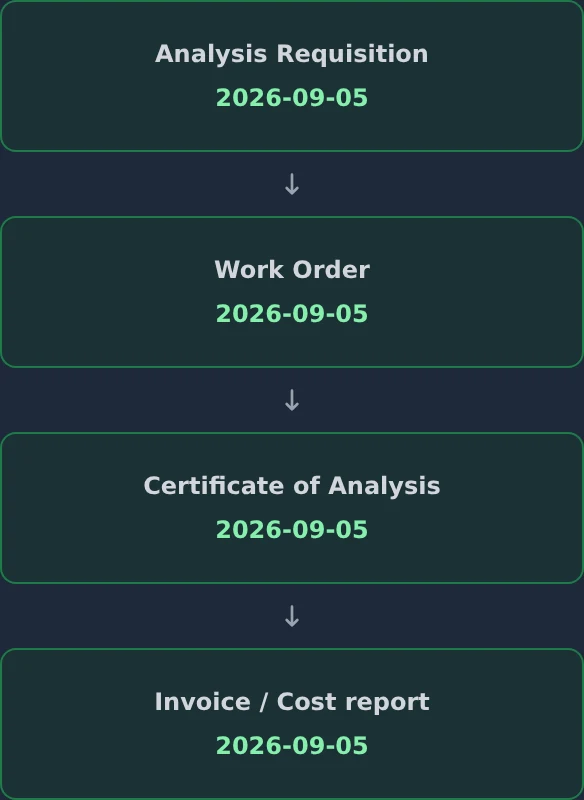
A completed project, from analysis requisition to invoice. All data shown is fictional.
A workspace for your clients.
Clients submit requests, follow their projects, and manage their team’s access in one place.
Unlimited seats for your clients.
Give their whole team access, without adding per-seat fees.
Fewer status requests and less account administration for your laboratory team.
-
Submit requisitions
Authorized client users prepare and submit analysis requests directly from their projects.
-
See work in progress
Clients see the latest project status and consult work orders, available results, and certificates of analysis.
-
Track stability studies
Clients consult their stability protocols and follow scheduled time points in the same system.
-
Manage their own accounts
Client administrators create and manage their team’s accounts, with control over client roles and access.
Your environment sets the requirements.
Your laboratory, quality, and IT teams help define the installation: the workflows it covers, who can access it, and how it will be operated.
Application and data on your infrastructure
A dedicated installation for your organization, with hosting, access, backup, and recovery responsibilities agreed as part of the deployment.
A scope that fits the laboratory
Choose the workflows and modules your team needs. Review existing data and any integration requirements before setting the migration plan.
Changes planned with your team
Agree on maintenance, support, and release procedures, including how changes are assessed for their impact on the validated state.
Confidence comes from evidence.
For a cGMP laboratory, validation is part of putting a system to work. We plan it around the intended use, the configured installation, and your quality system.
Your quality unit approves the intended use.
Release for cGMP use depends on reviewing the qualification evidence, resolving deviations, and approving the configured system under your procedures.
-
Define requirements and risk
Establish the intended use, user requirements, and risks that determine what needs to be verified.
-
Qualify the installation and workflows
Plan installation, operational, and performance qualification (IQ/OQ/PQ), with test protocols, recorded results, and traceability back to requirements.
-
Verify the transition
Plan checks for migrated data and the operating procedures the team will use, including access, backup, and recovery.
-
Maintain the validated state
Define change control, impact assessment, and periodic review so the evidence stays relevant as the installation evolves.
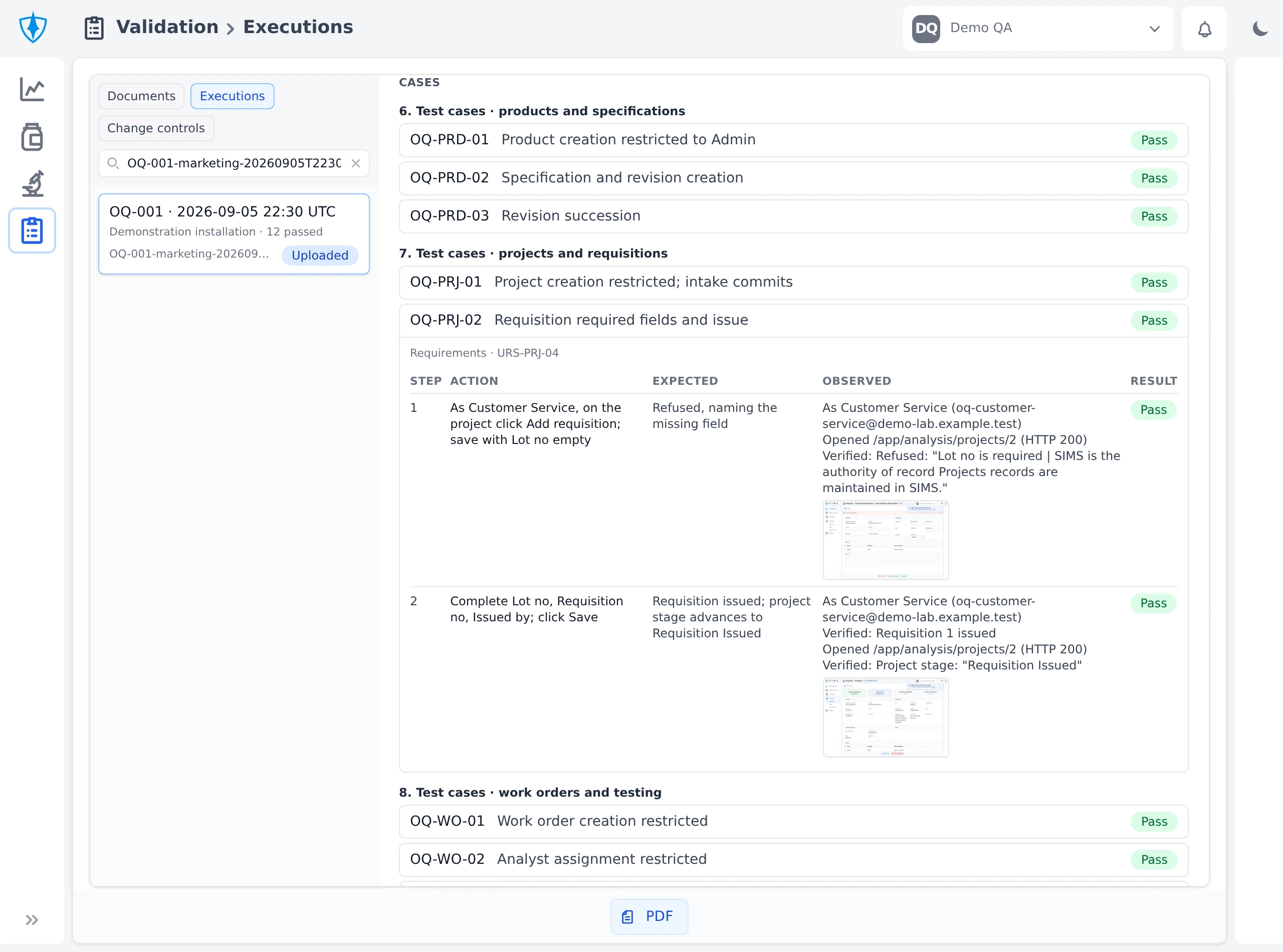
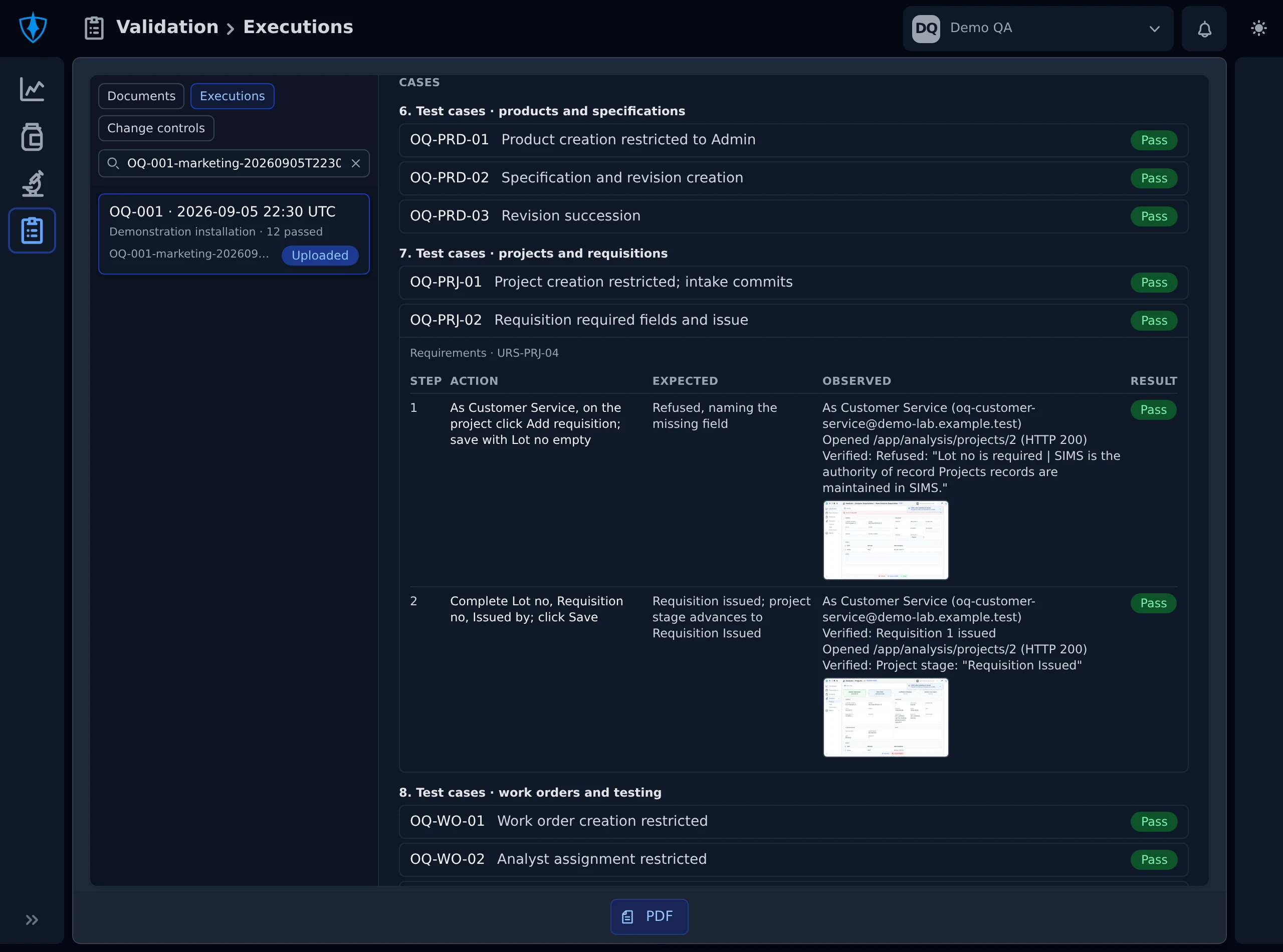
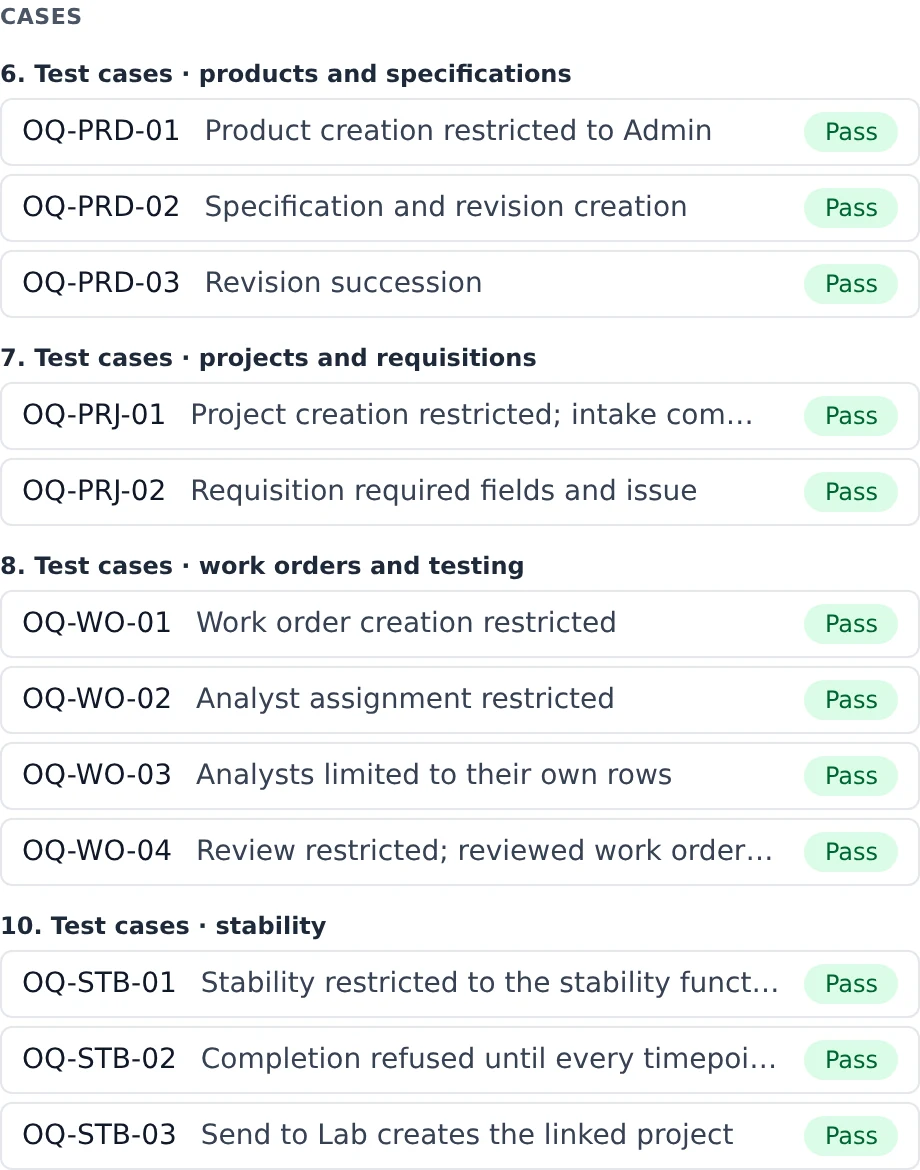
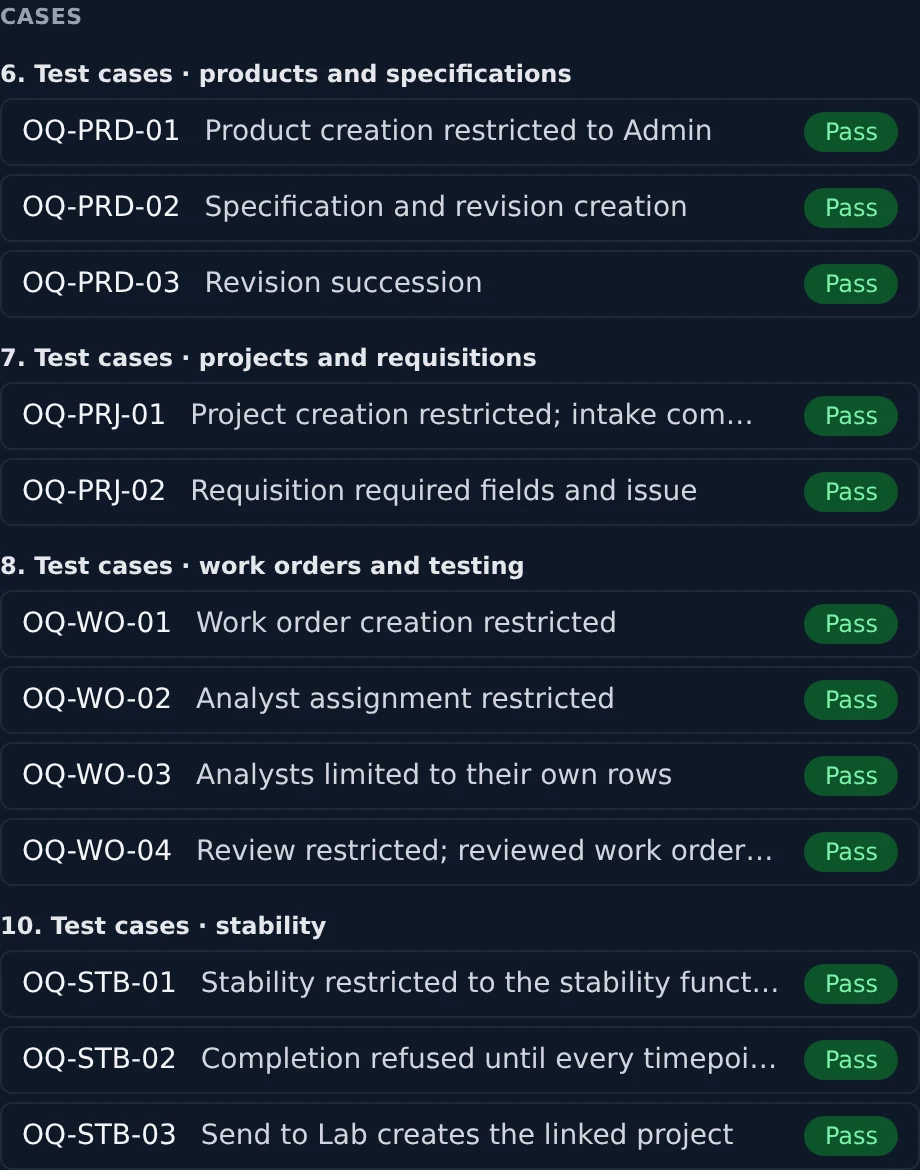
Qualification cases with their recorded outcomes and evidence, using fictional laboratory records.
A foundation for AI in the laboratory.
A useful AI assistant needs the context of the work. The on-prem LIMS establishes that foundation: organized laboratory information, defined access, and a shared working environment.
From there, we can scope AI-assisted workflows with your team, including the information they can use, the connections they need, and the human review they require.
AI capabilities and connectivity are assessed separately for each deployment and its validation scope.
Explore AI across SIMSLet’s start with your laboratory.
Tell us about your workflows, existing systems, and quality requirements. We’ll work through the fit, deployment scope, and validation approach with you.